

"I know I should practice my performance skills but I forget to do it"
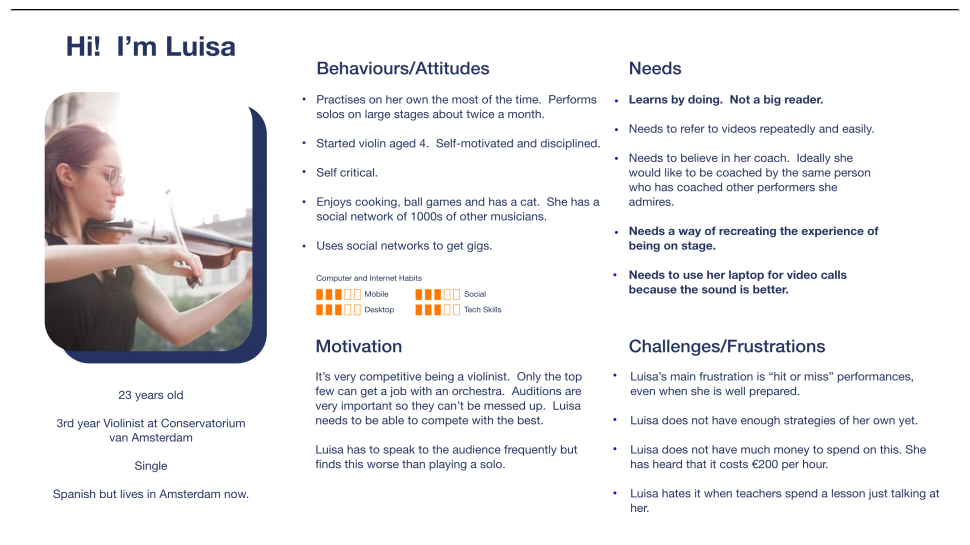
"It's totally different when you get up on stage"
"I try to practice in the venue itself or I try to visualise it...."
"Having good performance skills is a soloist thing..."
"I've watched some of those videos 25 times! I find them really useful."
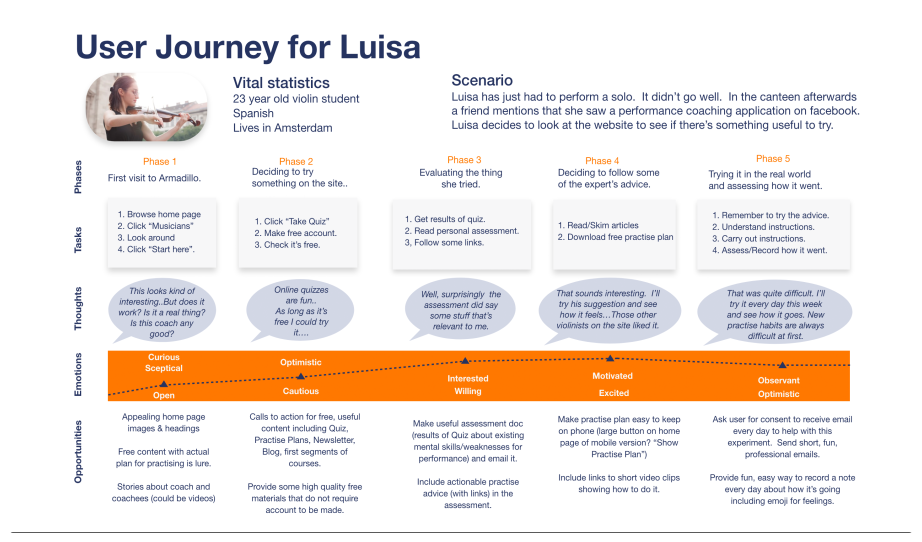
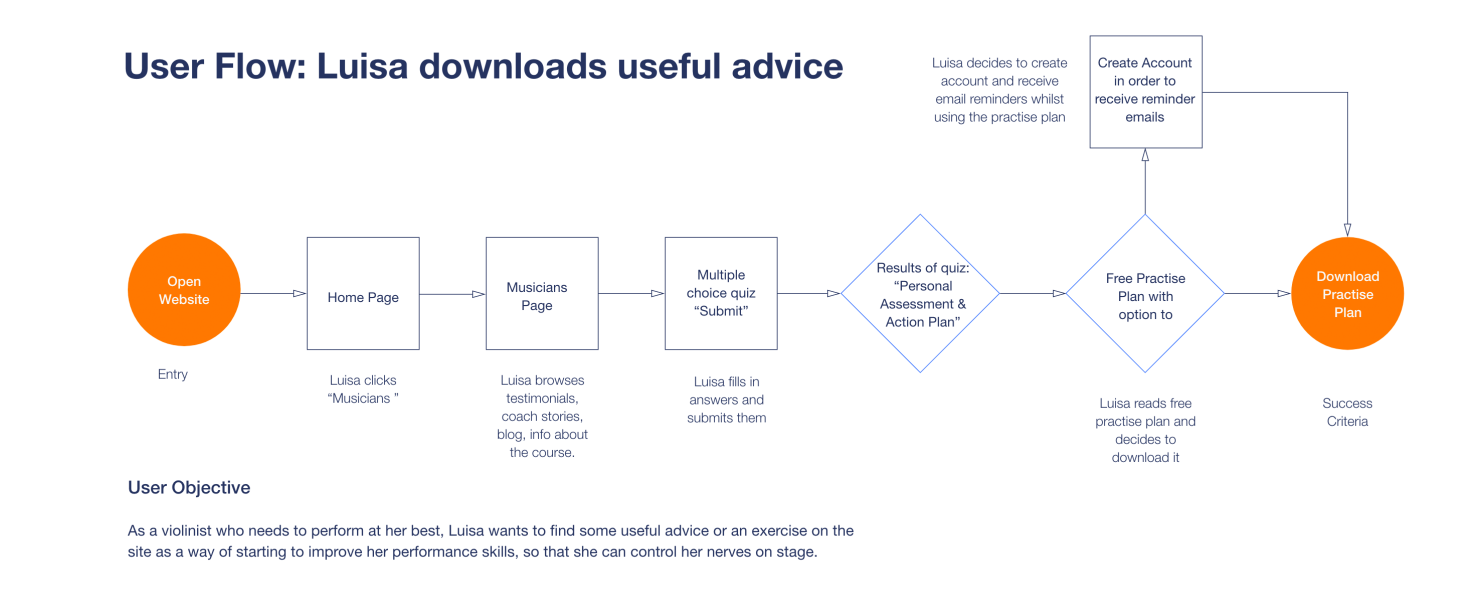
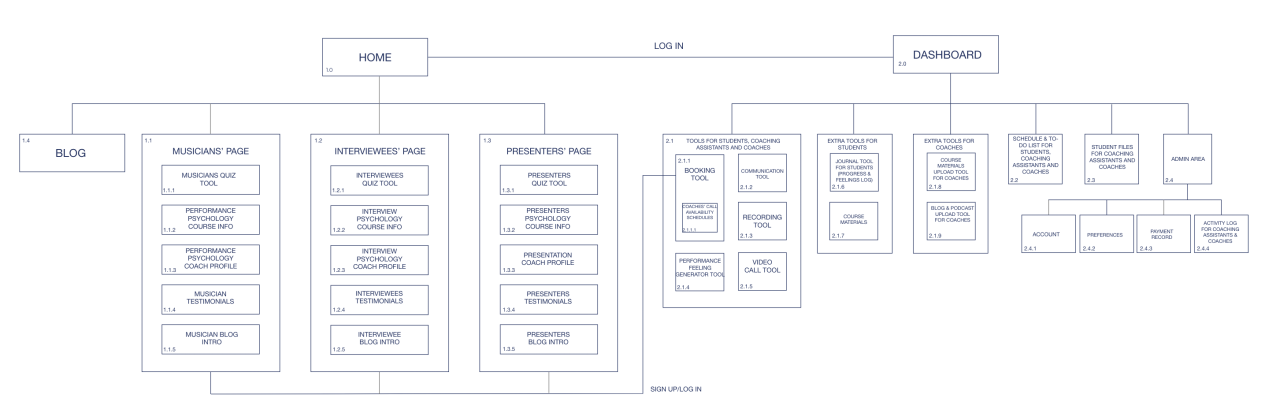
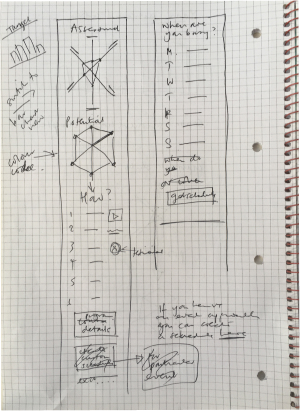
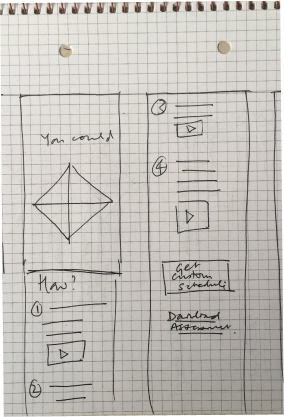
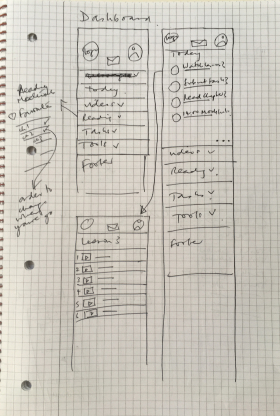
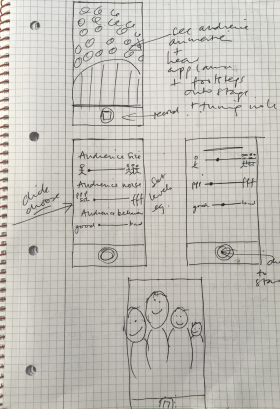
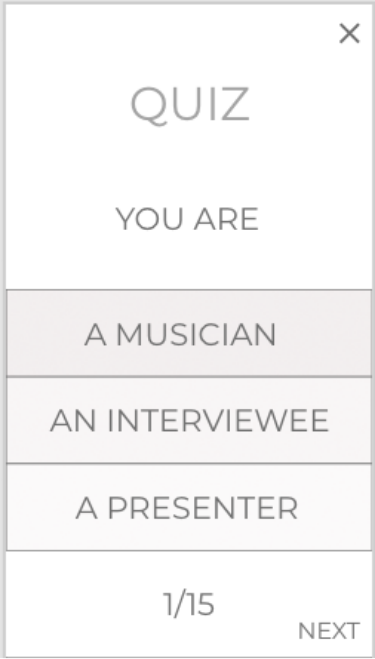
I thought users could take a quiz to assess their current performance skills.
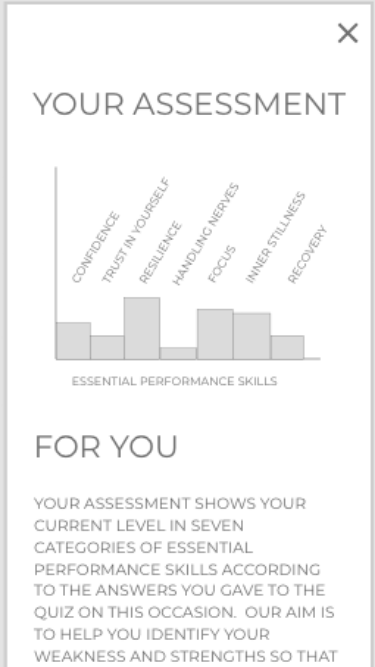
They would get an assessment and suggestions for areas they should work on.
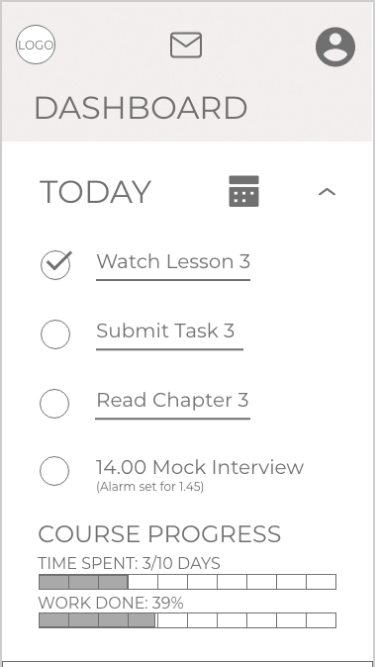
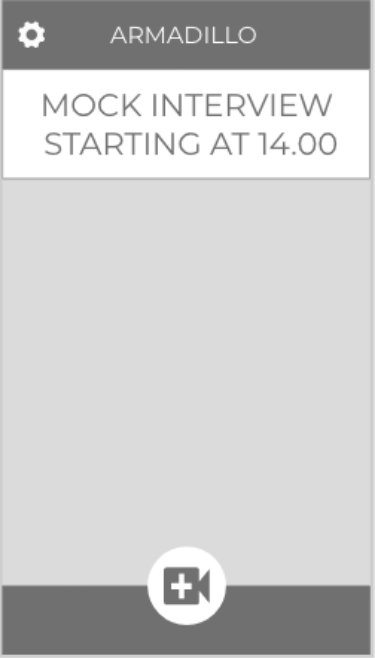
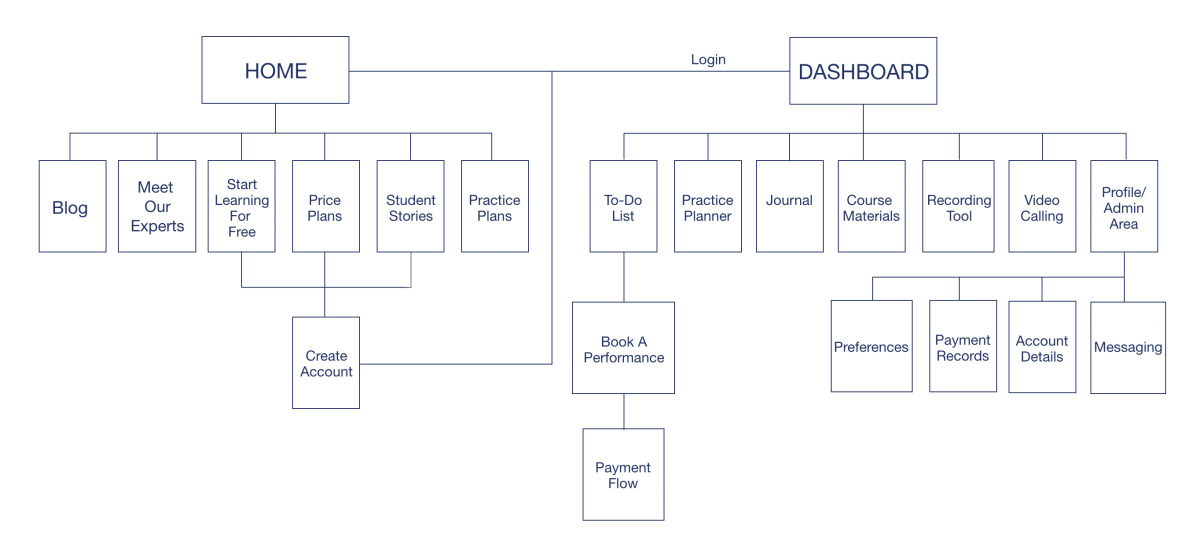
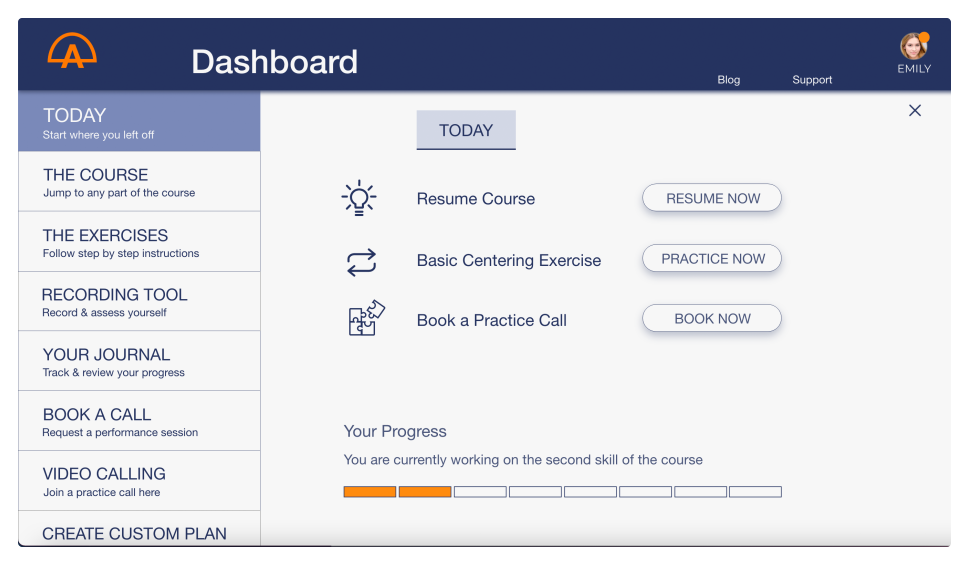
The dashboard would give access to the course, simulation/recording tools and video calls with coaches.
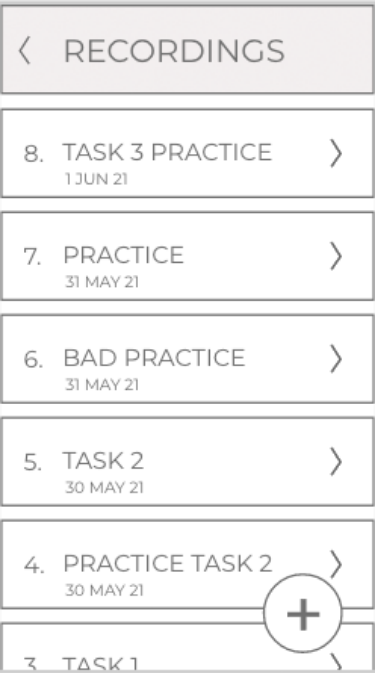
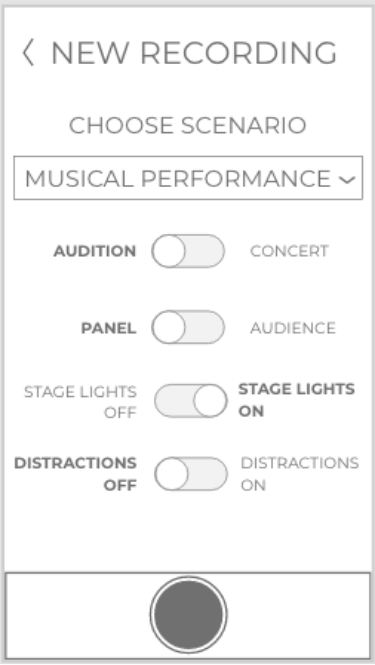
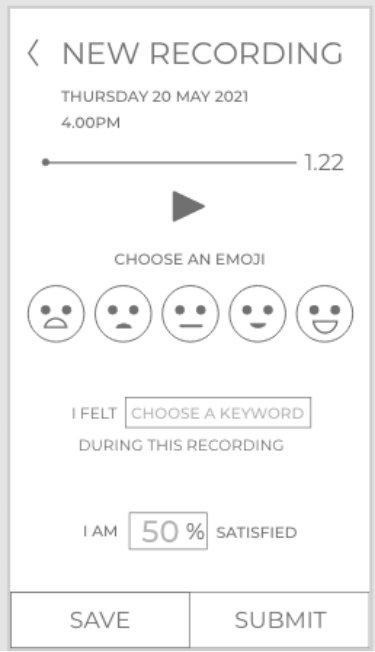
There would be realistic simulations of performances for practicing. The user could use settings to change these.
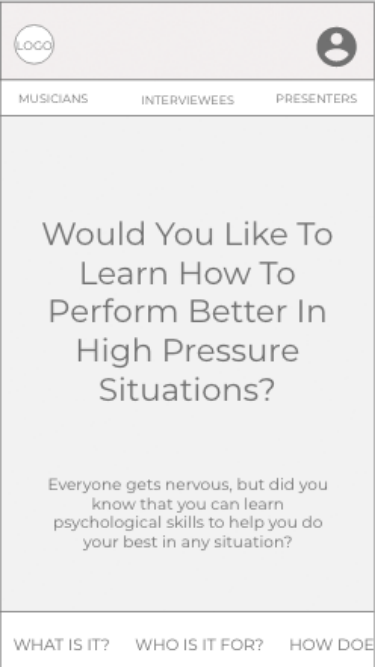

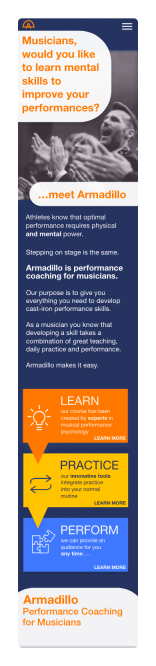
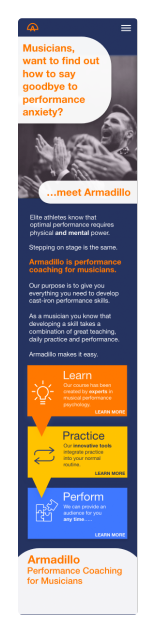
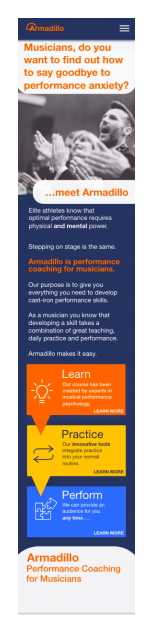
Feedback:
"Is it for children?"
Feedback:
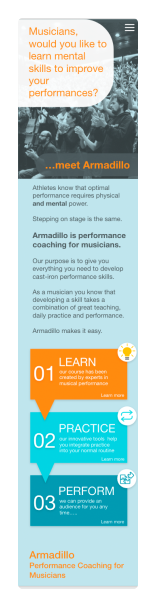
Better visually.
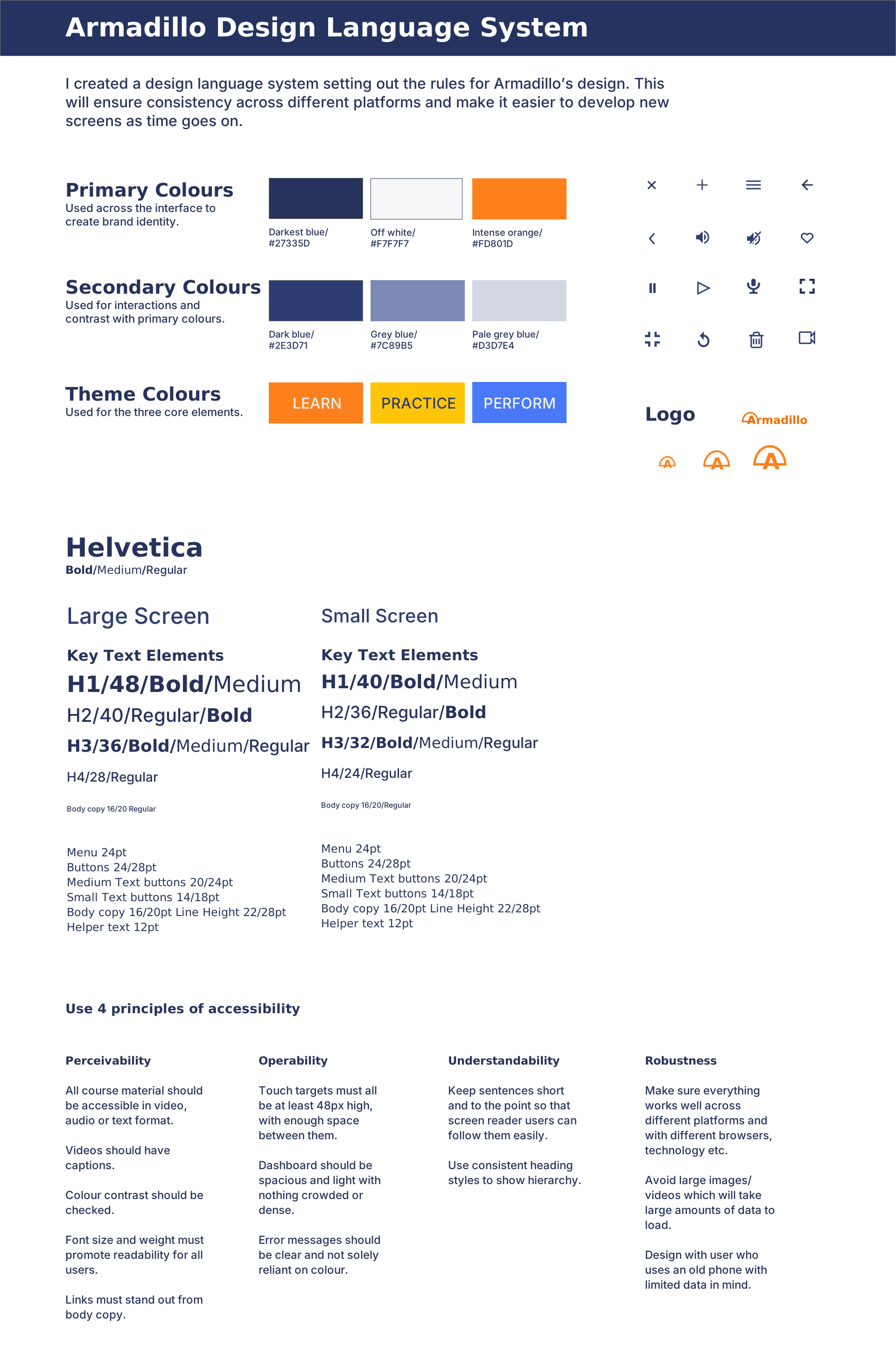
I paid attention to gestalt theory, grids etc.
Feedback:
Better spacing.
I tried to reduce cognitive load.
Feedback:
Better contrast.
Logo incorporates name now.
Better placing of banner.
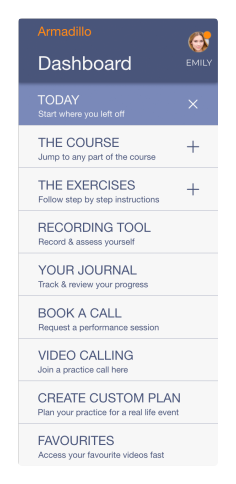
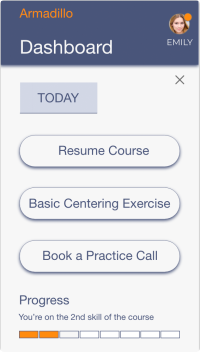
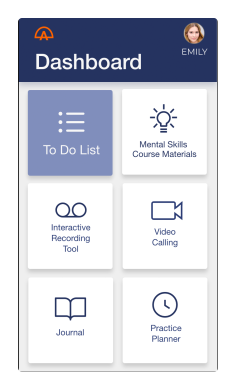
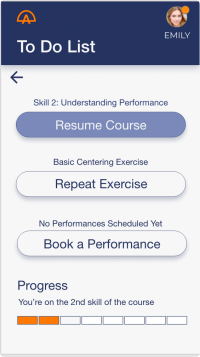
Feedback:
Extra text and upper case cause cognitive overload.
Feedback:
Lack of detail and hierarchy are confusing for users.
Feedback:
Simplified navigation.
Reduced text.
Clear hierarchy.
Feedback:
Helper text.
Meaningful labels.
Clear hierarchy.
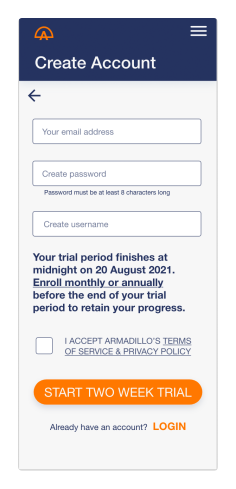
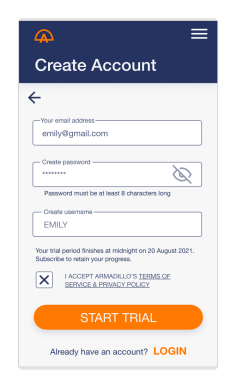
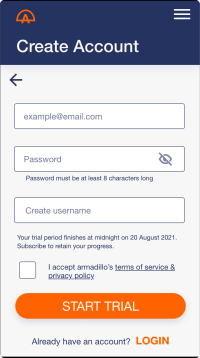
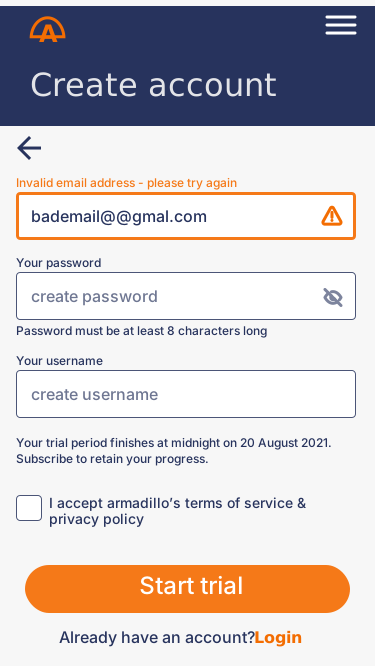
Feedback:
Too long - needs scrolling.
Too much bold text.
Feedback:
No need to scroll.
Reduced cognitive load through lighter text.
Eye icon is too big.
Feedback:
Improved contrast.
Example text as a placeholder.
Feedback:
Labels always visible.
CTA text changed from upper case.
User testing and feedback from peers was incredibly useful.
The decision to reduce the scope of the project back to one user group and the direction of the visual design were both positive changes which were prompted by user testing. Because there were no constraints on the project I struggled with deciding whether to make it more generally applicable to users in many situations, or to specialise in one area. It took a while to realise that specialisation was a better course to take.
My research held all of the clues pointing to the fact that trying to provide for three different user groups' needs was going to be too difficult, but I was so interested in finding the similarities between user groups that I failed to delve deeply enough into the differences.
That early failing sent me off in a direction that was probably doomed to fail. Naivety, over-enthusiasm and lack of experience (plus the intense time pressure of the course (there were 57 tasks to complete in this project), which meant it was, at times, difficult to take a step back from the small picture to see the big picture) probably contributed to this mistake.
As a result of the complexity of the concept I put too much detail into the wireframes, which led to more questions arising during user testing. It probably would have been better not to have tried to explain the concept in detail at that point.
I will carry out much more frequent user testing.
I will be more organised with naming my layers properly as I go, instead of leaving it to the end. Similarly I will try to document my process as I go for my next case study.
I will try to guard against analysing my research results from a certain viewpoint. I will try to seek evidence for the contrary (or other viewpoints so that I can form a more complete view.
I will be careful about keeping a realistic scope at the beginning of a project. It's much better to widen the scope after creating something than to have to narrow it in order to make it more feasible.
I will use figma! I struggled to use Adobe XD efficiently during the project but after subsequently learning figma I found that I could use XD much better than before. But overall I find figma easier to use than XD.